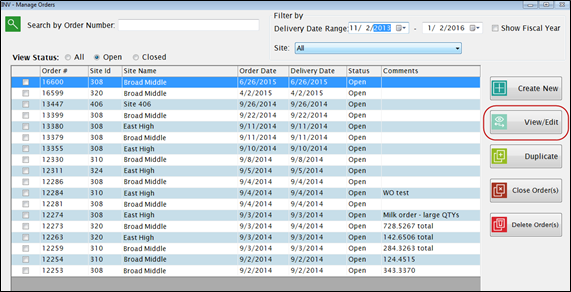
Highlight the row you want to edit and double click or click View/Edit.
The upper grid shows the ordered items and quantities:
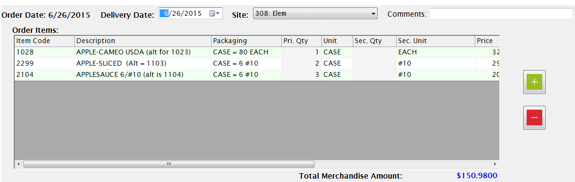
To change a quantity, click on a Primary or Secondary Qty field and enter the new quantity to order.
You can use the plus and minus buttons to add or remove rows from the order.
You can also load items in the lower grid (as described under New Order) and add Items/Quantities from there.
Changes are allowed on any open order. Just select the order, make any necessary changes or additions, and click Save.
Once an order is closed, changes are not permitted under Manage Orders. Any corrections needed after closing the order will need to be made in the Purchase Order or Receiving screen.