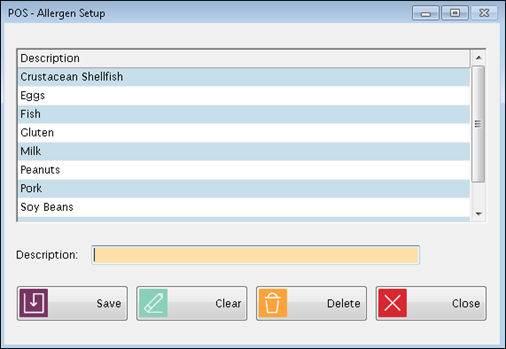
This enables the user to setup allergens and ultimately assign them to individual students.
Complete the following to add allergens to be assigned to students.
Click Clear to clear the text field if necessary.
Enter a the allergen name/description in the Description text field.
Click Save. The allergen will appear in the grid above.
To delete an allergen, highlight the item in the grid and click Delete.
To assign an allergen to a student, go to Student: Account Setup.
©2018 EMS LINQ, Inc.
POS Version 9, revised 03/2018